Consistent Experience
Creating a one-stop shop for all the interactions and animations in the platform
Make it Simple
Simplify the flow of more complex interactions
Make it WOW
Creating useful and exciting presets to empower the use of interactions
The Challenges

The Main Goal
Simplify the flow with a more
consistent experience and useful presets
Consistent Experience
Current state:
First, the platform offered two separate flows for adding interactions: users could either create a trigger and assign an effect to it or start with an effect and link it to a trigger.
In addition, the experience differed between element entrance animations and section image scroll effects.
Solution:
We unified all interaction and animation tools into a single, intuitive hub, streamlining the workflow and ensuring a cohesive user experience across the platform.

Make It Simple
Current status:
The interaction setup required users to configure three separate fields:
-Selecting the affected layer,
- Choosing the action type (Apply, Remove, Toggle)
-Defining the effect by themself
Solution:
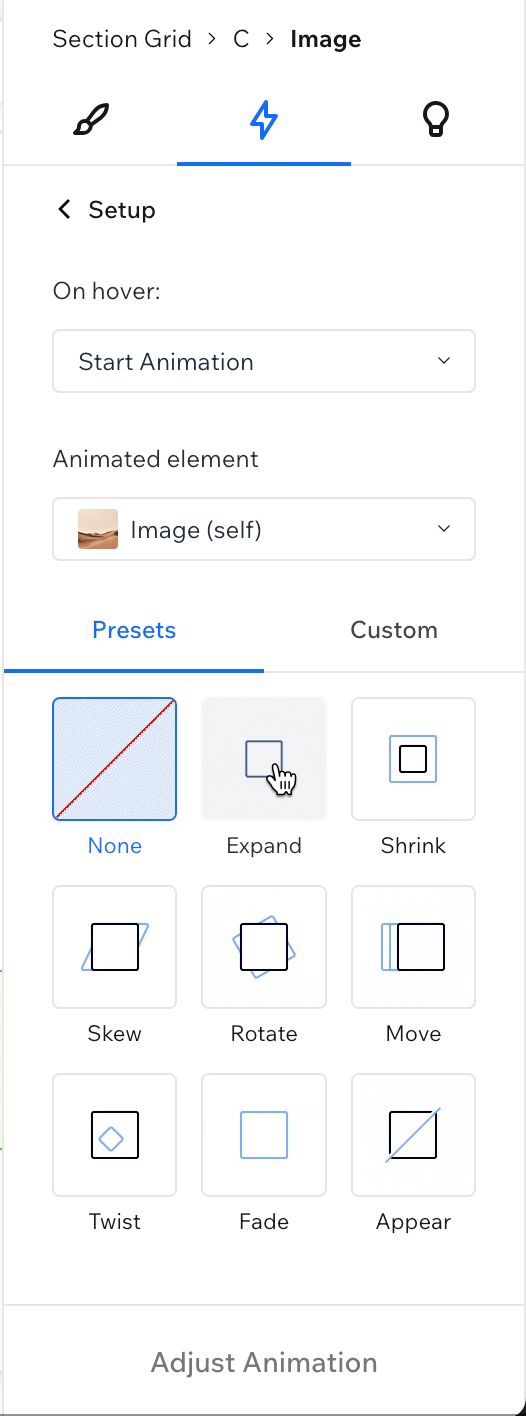
To simplify the flow, we introduced an intuitive interactive presets panel based on common Click & Hover web interactions.
The users simply select a Trigger and an Animated Component, then choose from a predefined list of presets. If needed, they can customize the animations, making the process both effortless and flexible.


Make It WOW
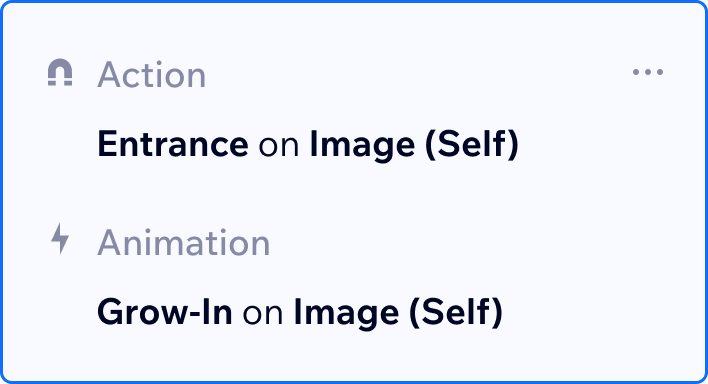
We introduced a collection of useful, ready-to-use presets, enabling users to enhance their designs with engaging animations while maintaining creative control.